01
One-click scanning
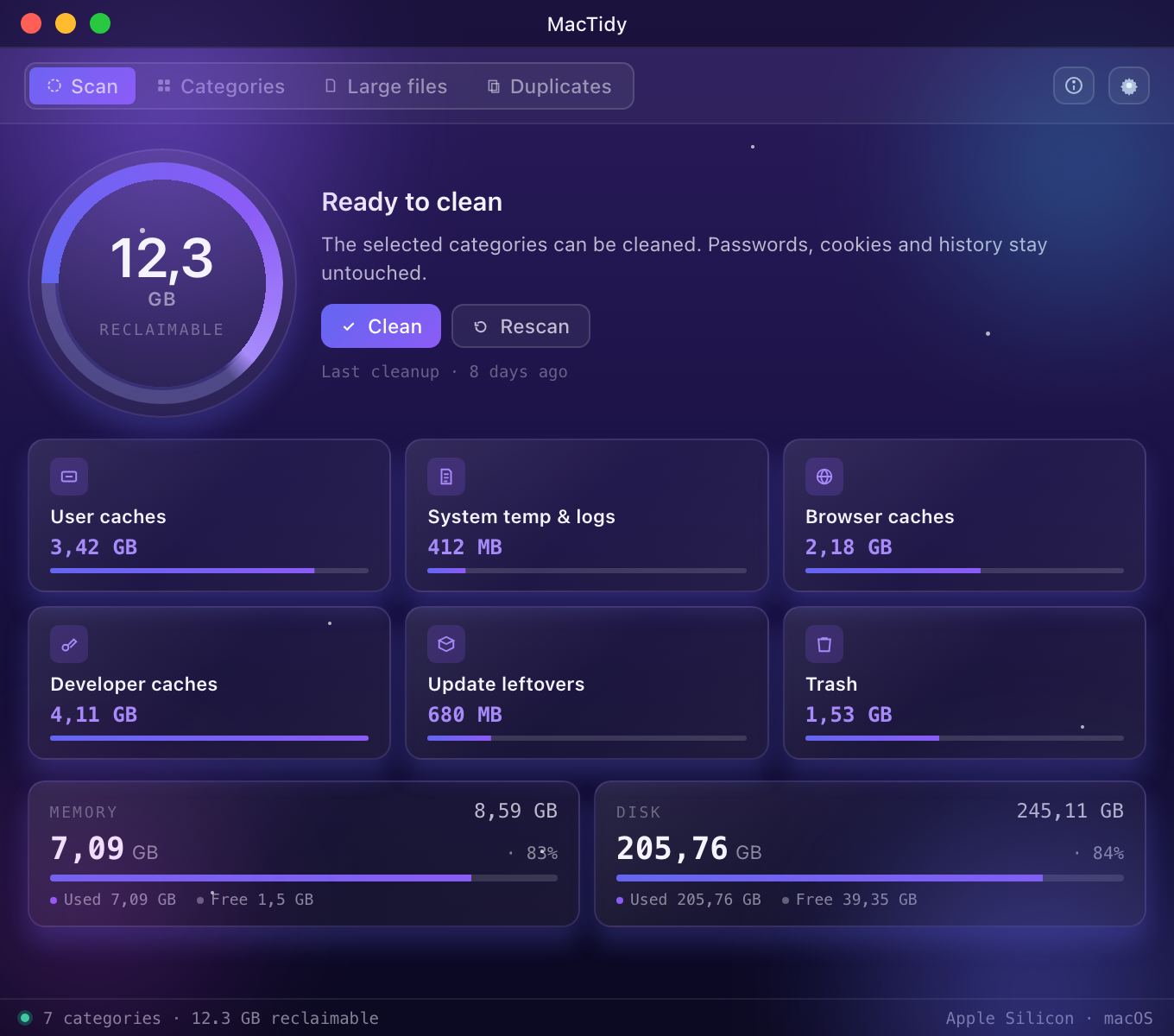
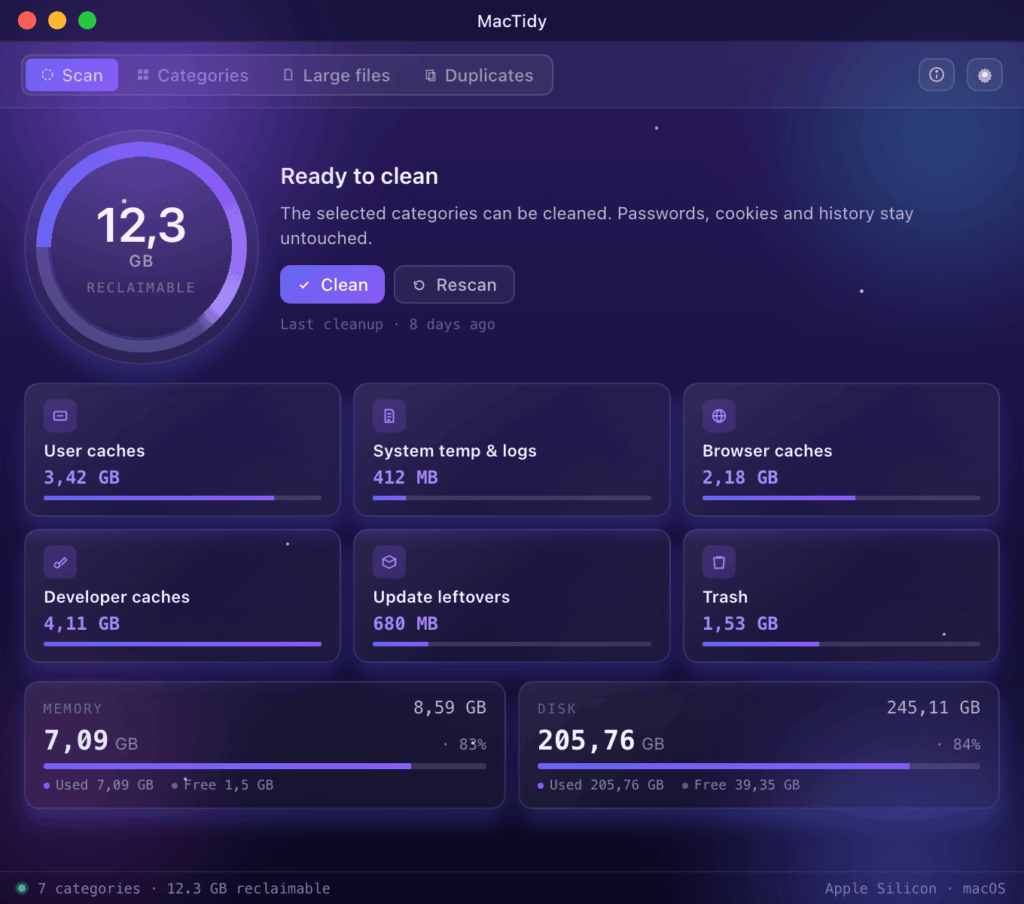
The Scan button scans the machine and displays all the space that can be freed up on a circular display. It can be cleaned with one click.

The MacTidy native macOS maintenance tool: frees up disk space, clears caches and temporary files, finds large and duplicate files — without background processes and telemetry.
Each feature is native, fast, and stays on the Mac. No cloud, no account, no background processes — it only runs when you start it.
The Scan button scans the machine and displays all the space that can be freed up on a circular display. It can be cleaned with one click.
User cache, system temp and logs, browser cache (Chrome, Edge, Brave, Safari, Firefox), developer cache (Xcode, npm, yarn, pip, Homebrew, Gradle, CocoaPods), update leftovers, Trash.
By clicking on any category, you can see what is inside in detail — name, path, size — and each item can be checked or unchecked. By default, everything is selected: for those who don't want to fuss, just clean up.
Scans the user folder and lists large files by size. Optional threshold: 50 MB – 1 GB. Pressing the space bar shows a Quick Look preview, just like in Finder.
Identifies identical files using SHA-256 content verification — guaranteed identification, not just name matching. Keeps one copy per group, marking the rest by default.
Displays current RAM usage and frees up unused memory with a single button — without needing to restart applications.
Continuously shows disk saturation and visually indicates when maintenance is advisable. A single glance — that's all.
Gently notifies you if it has been a while since the last cleaning — no intrusive notifications, just a discreet mark within the app itself.
After a partial cleaning, there is no need to rescan the other categories — the already calculated results remain valid.
Cleaning is only cleaning if you can still be sure about your important things afterwards. MacTidy restricts all removal operations to known, verified locations — your passwords, cookies, and history remain untouched.
Saved passwords and the macOS Keychain are never deleted, neither from browsers nor at the system level. The app's architecture does not touch this data at all.
For Chrome, Edge, Brave, Safari, and Firefox, only the cache files are affected. Passwords, cookies, and history remain untouched — you continue exactly where you left off.
All deletions affect known cache and temporary folders. No heuristics, no 'smart' guessing — it cleans exactly as much as can be safely removed.
Large and duplicate files deleted from the user directory go to the Trash, not permanently deleted. You can be mistaken: they can be restored until you empty it.
Modern, clean dashboard interface — with light and dark themes.
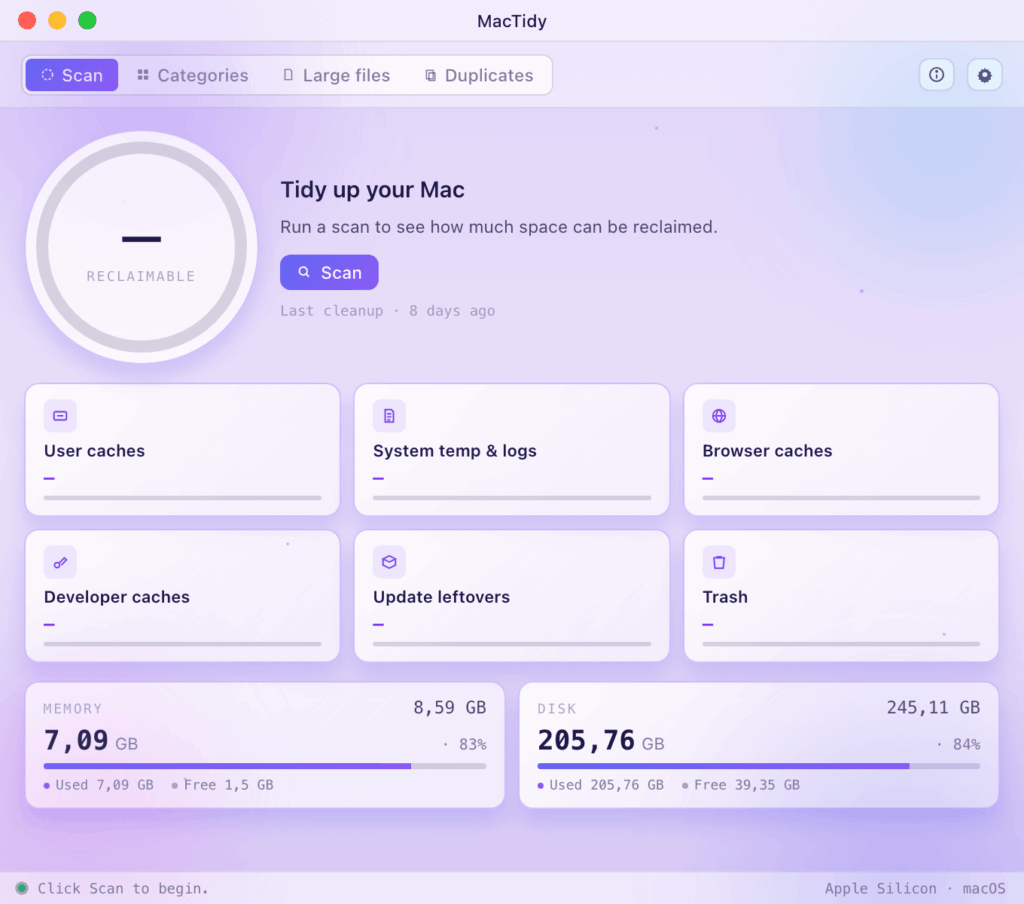
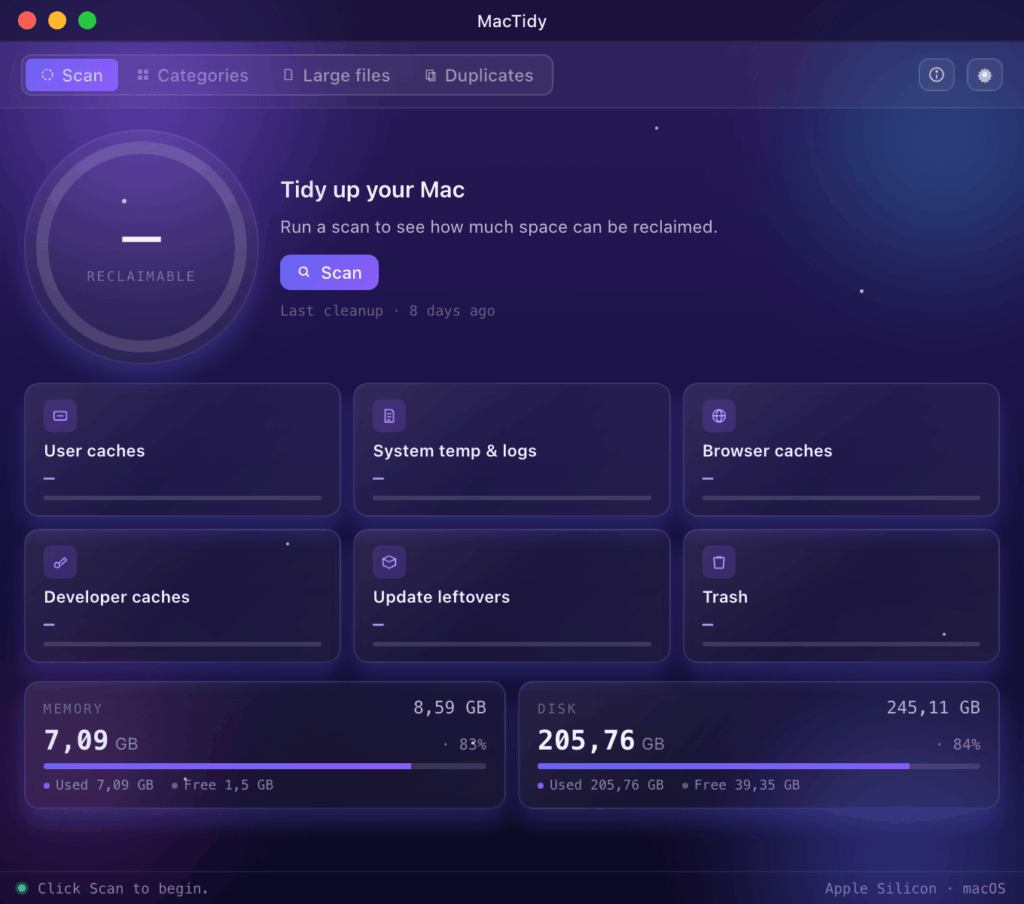
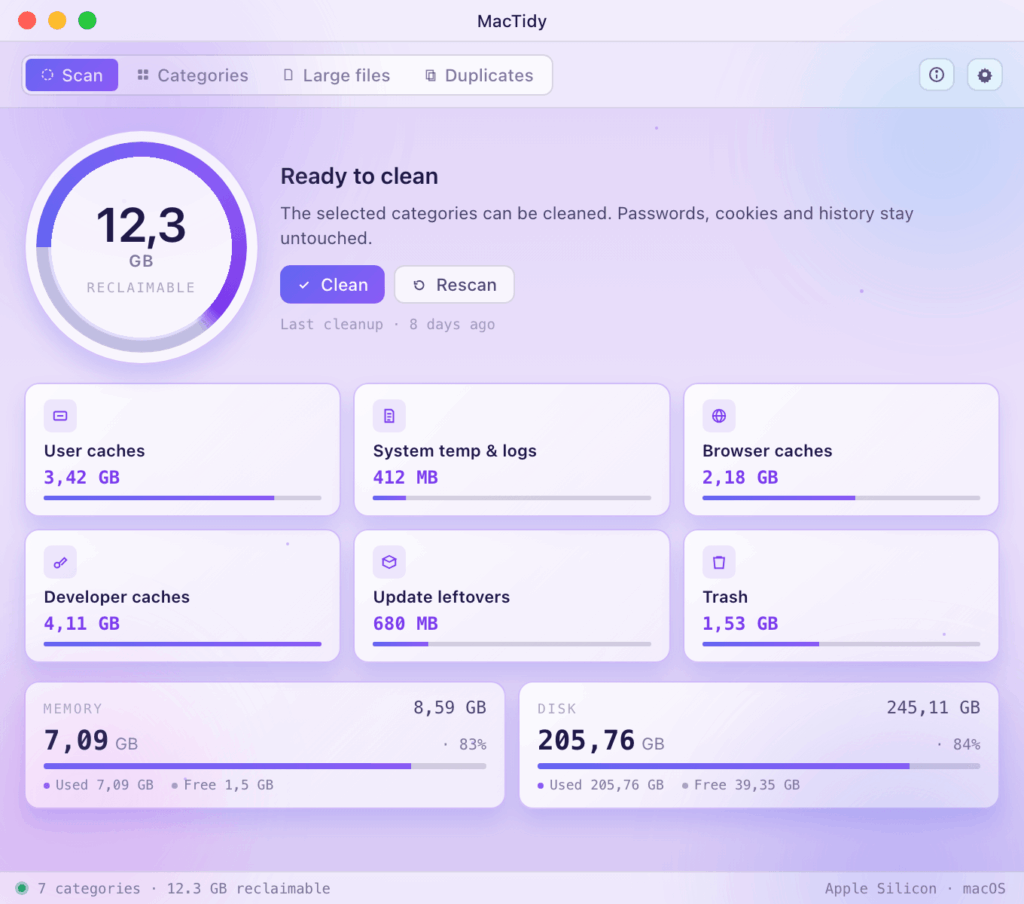
Free trial for a week — no credit card required. Those who stay get full functionality for a single, one-time annual fee.
MacTidy is an independently developed application and is currently not notarized by Apple. Therefore, macOS will give a one-time warning at first launch — after that, never again.
Open the .dmg file and drag the MacTidy icon to the Applications folder — just like any other application.
macOS will indicate for the first time that the app is not notarized. This is not an error — it applies to all independent, directly downloaded apps. Close the warning.
Open System Preferences, then follow the path below:
After confirmation, MacTidy will launch immediately on every subsequent start — the warning will appear only once on this machine, for this application.
macOS warns about any application that you do not download directly from the Mac App Store. The Apple notarization is in progress — in the meantime, you can safely launch it with these four clicks.
Natively on both Apple Silicon (M-series) and Intel machines. No Rosetta, no installer, no background process.